Public Bellwether article
Bellwether Roast Manager Overview
Source: Bellwether Coffee,https://help.bellwethercoffee.com/bellwether-roast-manager. Reproduced for owners; © Bellwether Coffee Co.
Group: Roast quality and profiles
Source: Bellwether Coffee, original article. Reproduced for owners; © Bellwether Coffee Co.
Users are provided with an administrative site to manage their organization, stores, roast profiles, and more. This article outlines the Roast Manager functionality.
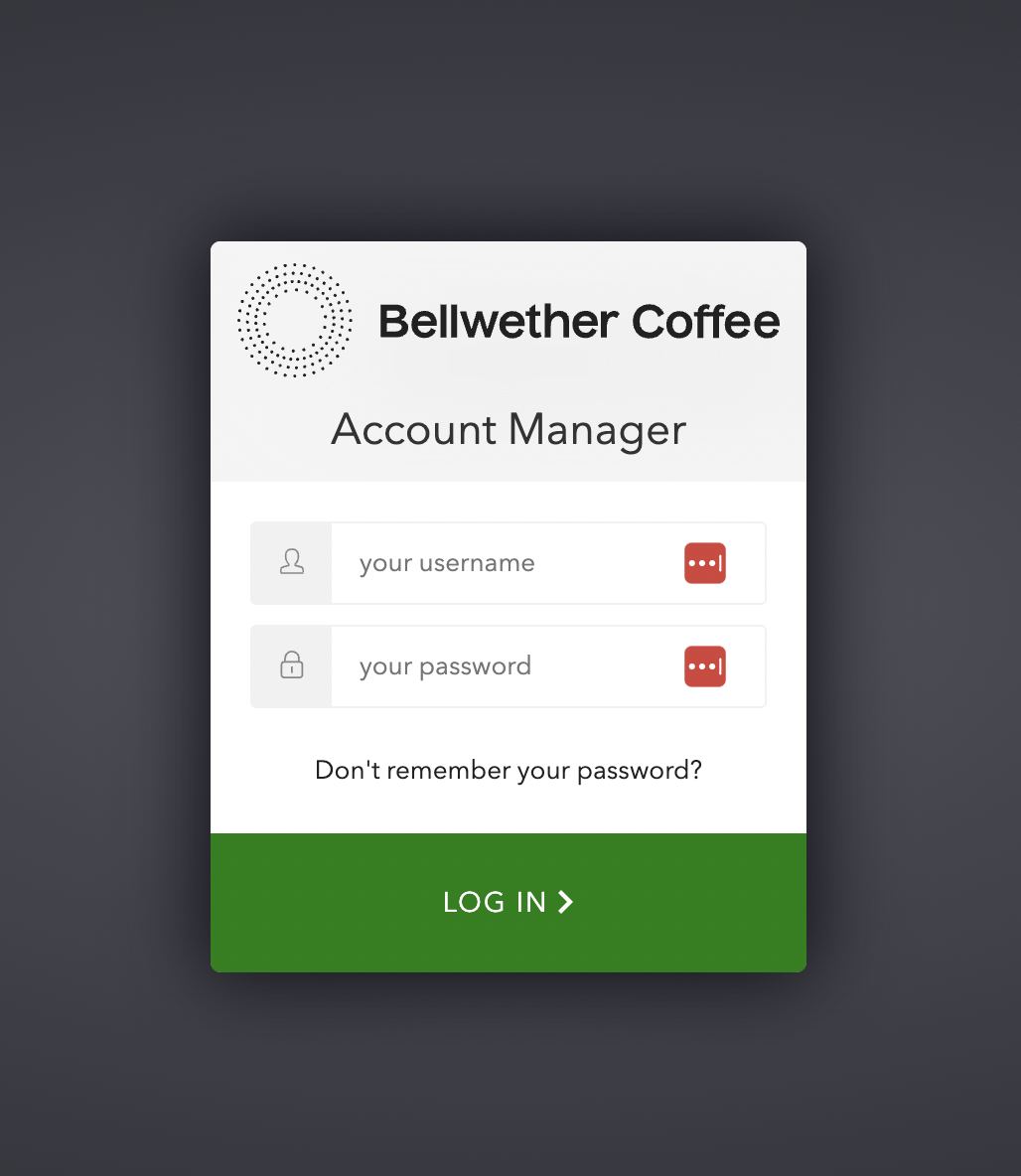
The Bellwether Roast Manager can be found here: https://account.bellwethercoffee.com/
Please log in using the login credentials that were given to you by Bellwether at the time of your account creation.
Source: Bellwether Coffee, original article. Reproduced for owners; © Bellwether Coffee Co.
Contents in Roast Manager
After successfully logging in, you will be directed to the management site, which is initially set to Profiles or the last section you visited. You can also click directly to go to Profiles. However, for a comprehensive understanding, let’s explore the sections in the order they are presented at the top. So, let’s begin with Roaster.
Roaster
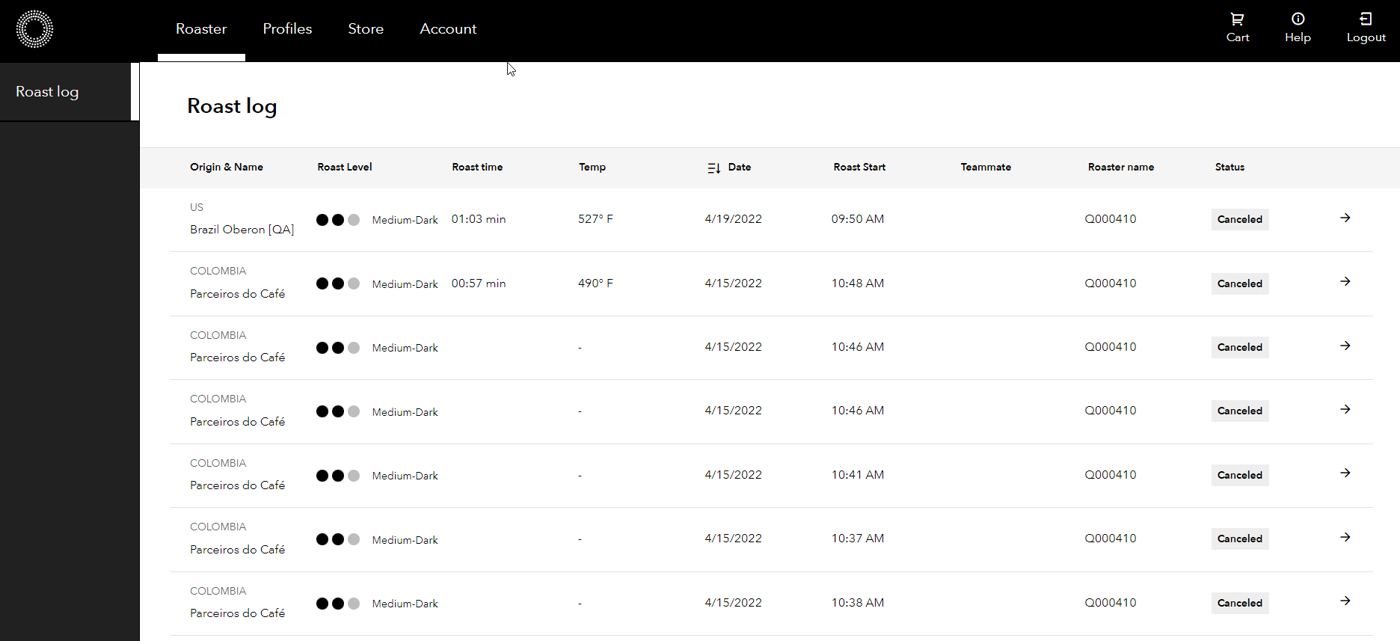
The Roaster page serves as a central hub for reviewing the logs of your roaster system or systems. Whether you have one or multiple roasters across different stores, all of them will send their logs to this page, providing you with a comprehensive overview of their activities.
Source: Bellwether Coffee, original article. Reproduced for owners; © Bellwether Coffee Co.
Profiles
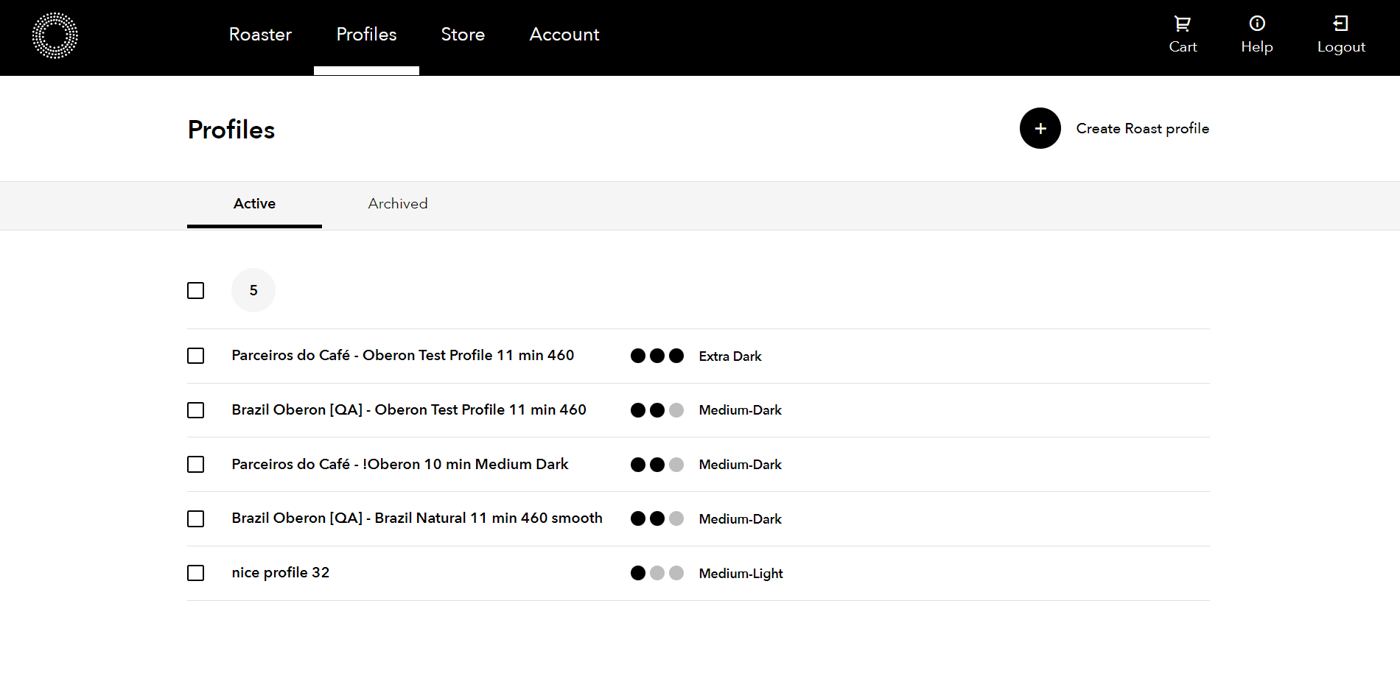
Profiles is where you can begin managing your roast profiles and creating new ones in Bellwether’s Roast Manager. This default starting location allows you to easily handle your existing profiles and customize new ones for your organization.
Source: Bellwether Coffee, original article. Reproduced for owners; © Bellwether Coffee Co.
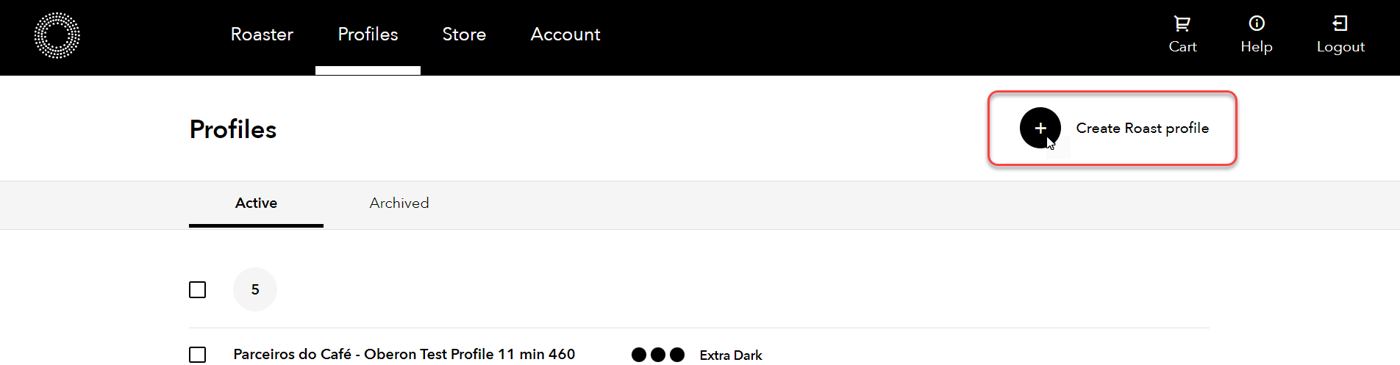
To create a new profile, click Create Roast Profile. For detailed info on creating a roast profile, see Creating a Roast Profile.
Source: Bellwether Coffee, original article. Reproduced for owners; © Bellwether Coffee Co.
Store
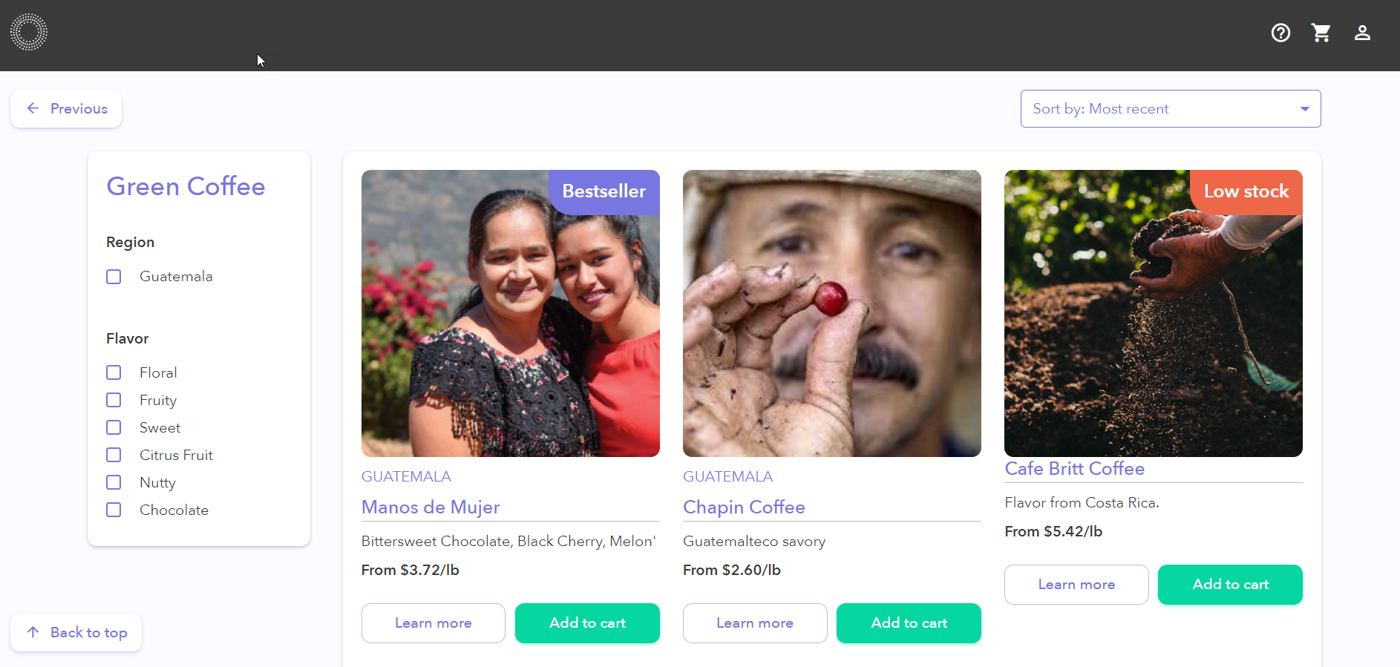
By clicking on the Store tab, you will be seamlessly directed to our Green Coffee Marketplace, while keeping your login information saved in a persistent session. This means you can easily navigate back and forth between the management site and the store without having to sign in repeatedly.
Source: Bellwether Coffee, original article. Reproduced for owners; © Bellwether Coffee Co.
Account
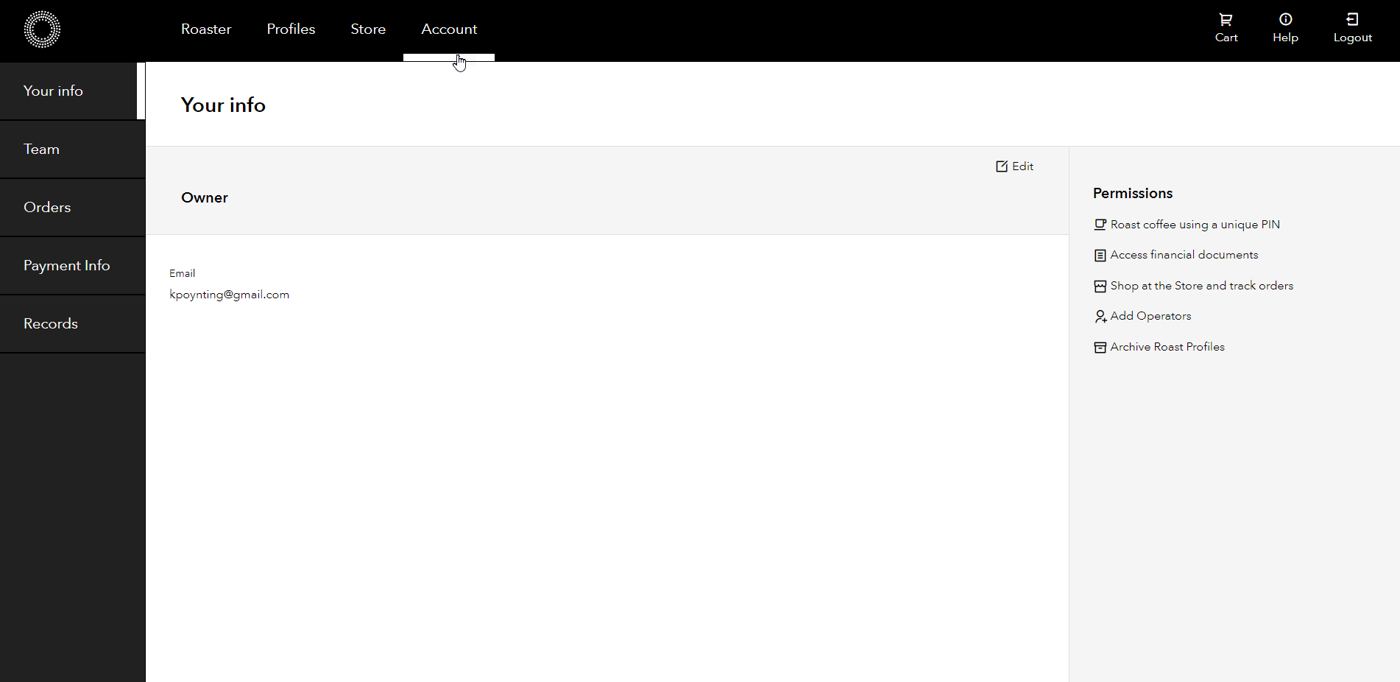
In the Account workspace, you have the ability to update your personal information, view your permissions, collaborate with your teammates and manage their access levels, handle orders, manage payment methods, and organize your documents and records.
Source: Bellwether Coffee, original article. Reproduced for owners; © Bellwether Coffee Co.